



Mini PC for AI: How Much RAM, GPU and NPU Do You Really Need?
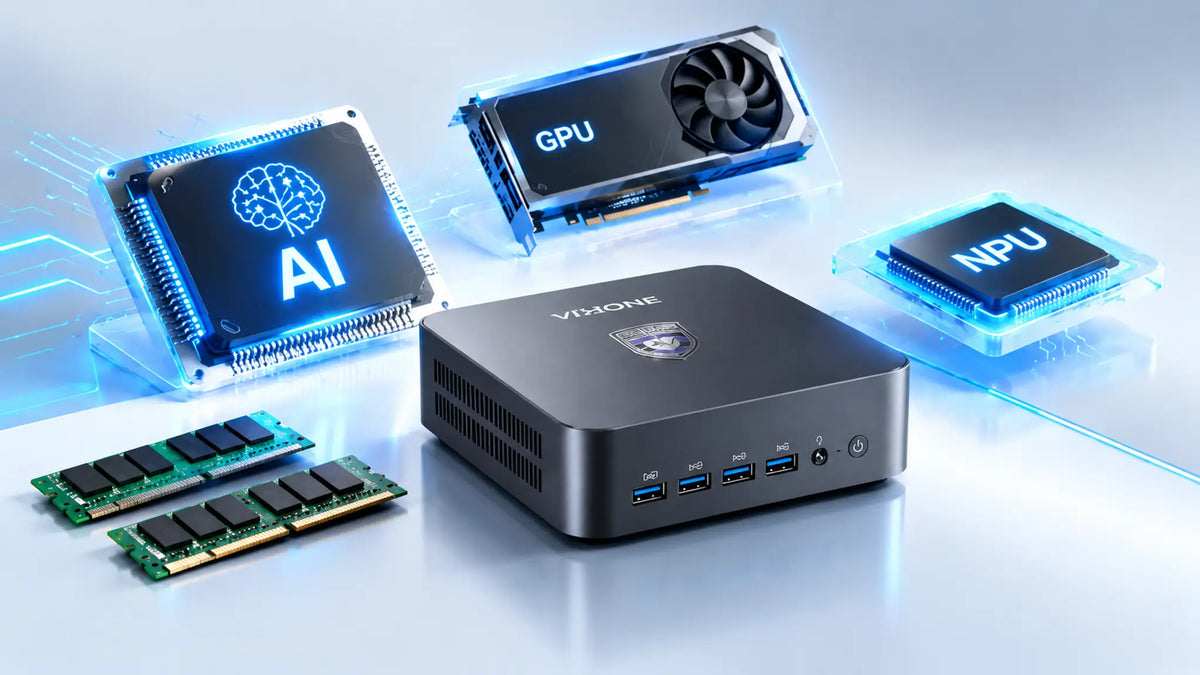
Equipping yourself with a Mini PC for AI work means striking the right balance between three core components: CPU, GPU, and NPU. All three complement each other in functionality to process and complete AI tasks.
Keep in mind that having the right specs depends entirely on what you plan to work on. In this guide, we start with common AI workloads and work back to the hardware each one needs.
Let’s take a look.
Quick Answer: What Do You Need in a Mini PC for AI?
For everyday AI tools and supported on-device AI features, a modern CPU with 16GB of RAM is usually sufficient. An NPU can provide more efficient local processing for compatible AI workloads. However, to run LLMs or generate images on your own machine, spend more on the GPU and its memory and preferably start at 32GB of RAM.
The table below elaborates on what to look for based on your preference.
|
AI Use Case |
CPU |
GPU |
NPU |
RAM |
|
Everyday AI |
Modern CPU |
Integrated GPU is usually enough |
Useful |
16GB |
|
Local LLM |
Strong CPU |
Prioritise VRAM |
Optional |
32GB+ |
|
AI Image Generation |
Strong CPU |
Very important |
Less important |
32GB+ |
|
AI Development |
Strong CPU |
Depends on the workload |
Optional |
32GB–64GB+ |
|
Heavy Local AI / Development |
High-end CPU |
Dedicated GPU with ample VRAM |
Not a priority |
64GB+ |
What Makes a Mini PC Good for AI?
AI performance depends on several parts working together, and each one has a specific job:
- The GPU - runs the heavy generative work, like image generation and inference on larger language models.
- The NPU - takes care of lighter AI tasks that run for long stretches, such as live transcription or a local assistant, while drawing very little power.
- The CPU - prepares data, runs your apps and keeps the rest of the system responsive while AI tasks run.
- RAM and VRAM play a major role in determining which AI models you can run and how well they perform. If a model cannot fit entirely in GPU memory, some workloads can use system RAM through CPU or GPU offloading, although this can reduce performance.
- Storage speed - affects how quickly a multi-gigabyte model loads and how fast you can switch between models.
- Cooling - determines whether the system can hold its performance through a long AI session without throttling.
- Software support - ties everything together. Your drivers, frameworks and AI runtimes need to support your hardware, or that hardware goes unused.
On a general-purpose PC, the CPU and GPU usually tell you most of what you need to know. For AI, memory and software support carry just as much weight.
Note: This differs from how most people shop for a general-purpose PC, where the CPU or GPU usually tells you most of what you need to know.
NPU vs GPU vs CPU: What Does Each One Do for AI?
What Is an NPU?
An NPU, or Neural Processing Unit, is a specialized computer chip built specifically to handle AI and its various workloads. Since its functionality is tailored to AI, the NPU leans more toward taking care of power efficiency rather than raw throughput. This makes it well-suited to on-device AI inference and background AI tasks that run constantly without spinning up the fans.
The NPU handles things like real-time noise suppression on a video call, on-device photo tagging, or a background AI assistant that needs to stay responsive without using much power.
What Does a GPU Do for AI?
GPUs play a central role in many AI workloads because they can process large numbers of operations in parallel. This makes them particularly useful for local LLM inference, image generation, and other GPU-accelerated AI tasks. The GPU takes up the bulk of the workload for these and gets things done.
Note: A Mini PC's GPU can be built into the same chip as the CPU or placed as a separate graphics component.
What Does the CPU Do for AI?
Think of the CPU as a coordinator for all general computing tasks. It takes on background processes and OS work to make sure everything keeps ticking. For AI workflows specifically, it does the prep work: loading datasets, preprocessing inputs, and feeding them to the GPU/NPU in the right format.
It also runs the actual applications the AI sits inside - this is also where its work ties in with multitasking. In a typical work session, the CPU will be taking care of apps in the background and keeping them running while you focus on your AI tasks.
When there's no dedicated NPU or GPU, the CPU can run inference directly, though more slowly and less efficiently.
NPU vs GPU vs CPU: Which One Matters Most for AI?
|
Component |
Main Role |
Best For |
|
CPU |
General-purpose computing |
Applications, multitasking, CPU inference |
|
GPU |
Parallel computing |
LLMs, image generation, AI acceleration |
|
NPU |
Efficient AI processing |
On-device AI and supported AI applications |
How Much NPU Performance Do You Need?
It depends on your software. An NPU only speeds things up when an app is built to use it.
What Is TOPS?
TOPS stands for Trillions of Operations Per Second - used by manufacturers to describe an NPU's AI processing capability.
Microsoft's Copilot+ PC requirements call for an NPU capable of more than 40 TOPS for this class of on-device Windows AI experiences. However, TOPS is only a theoretical measure of AI compute capability and does not directly predict real-world application performance.
Is More NPU TOPS Always Better?
A higher TOPS rating doesn't guarantee better results in your apps. To understand actual performance, you also have to understand the model itself, its precision, software optimization, the framework in use, memory bandwidth, and how well the CPU and GPU share the workload.
How Much GPU Power Do You Need for AI on a Mini PC?
An integrated GPU is usually enough for everyday AI applications and smaller local models. For larger local LLMs, frequent image generation, or other demanding AI workloads, a dedicated GPU with more VRAM can provide significantly more compute and memory headroom.
Integrated GPU vs Dedicated GPU
|
Integrated GPU |
Dedicated GPU |
|
|
Advantages |
Compact, power efficient, lower cost and fine for lighter AI work |
Its own VRAM and more compute power for demanding AI workloads |
|
Limitations |
Shares system memory with the CPU and has less compute power for heavy AI jobs |
Draws more power, runs hotter and adds size and cost |
Why VRAM Matters for AI
VRAM is one of the most important specifications for local AI workloads because it determines how much model data can be held directly in GPU memory. Whether a model fits comfortably depends on its parameter count, precision, quantization, context length, and runtime overhead—not just the model's advertised size.
As a rough estimate, 4-bit quantization requires about 0.5GB of memory per billion parameters for the model weights alone. In practice, you need additional memory for the context window, KV cache, runtime overhead, and other GPU processes. If the available VRAM is not enough, some applications can offload part of the model to system RAM, but this can significantly reduce performance.
How Much VRAM Do You Need for Local AI?
|
Model Size |
Example Models |
Approx. Memory for Model Weights (4-bit) |
|
7B–8B |
Llama 3 8B, Mistral 7B |
~4GB |
|
13B |
Llama 2 13B–class models |
~6.5GB |
|
30B–32B |
Qwen 32B–class models |
~15–16GB |
|
70B |
Llama 3.1 70B, DeepSeek-R1-Distill-Llama 70B |
~35GB |
These figures estimate model-weight memory only. Actual VRAM requirements are higher because of context length, KV cache, runtime overhead, and other GPU processes. Some applications can also offload part of a model to system RAM, but this may reduce performance.
How Much RAM and VRAM Do You Need for AI?
How Much RAM Do You Need?
16GB is enough for everyday AI tools and lighter local workloads. For regular local LLM use, 32GB is a more comfortable starting point, while 64GB or more can be useful for larger models, development work, datasets, and heavy multitasking.
How Much VRAM Do You Need?
For local AI, VRAM requirements vary much more than system RAM requirements. Smaller local models may work with 6–8GB of VRAM, while 12GB or 16GB provides more headroom for larger models and image-generation workloads. Models that require 24GB or more typically move into a much higher-performance class of hardware.
RAM vs VRAM: Which Matters More?
You need enough of both. System RAM supports the system and light CPU work, while VRAM controls what the GPU can load.
What Other Specifications Matter in an AI Mini PC?
CPU: The CPU handles general computing, data preparation, multitasking, and CPU-based AI workloads. A capable CPU helps keep the system responsive when AI tasks are running alongside other applications. If a CPU is weak, it’ll make the whole system feel slow.
SSD Storage: AI models can take up several gigabytes or more of storage, especially when you keep multiple models locally. A larger SSD gives you more room for models, datasets, applications, and generated content.
Cooling: AI workloads can keep the CPU and GPU under sustained load for long periods. Good cooling helps maintain stable clock speeds and reduces the risk of thermal throttling during extended workloads.
Upgradeability: Keep this in mind if you expect your RAM or storage needs to grow as you experiment with larger models. SSome Mini PCs use soldered memory, which limits future RAM upgrades.
How to Choose a Mini PC for AI Based on Your Workload
The breakdown in terms of workload is pretty simple. For everyday AI tools such as writing assistants, transcription, video-call effects, and cloud-based AI services, a modern CPU with 16GB of RAM is usually sufficient. An NPU is useful for supported on-device AI features but is not essential for cloud-based AI services.
If you want to run LLMs locally, start with 32GB of RAM if your budget allows and pay close attention to GPU memory. An integrated GPU can handle smaller models, while a dedicated GPU with more VRAM becomes increasingly useful for larger models and faster inference.
For AI development, look for a balanced system with 32GB or more RAM, a capable CPU, good cooling, fast storage, and GPU acceleration if your frameworks or models require it. Upgradeability is also useful as your workloads grow.
Is a Mini PC Good Enough for AI?
For many AI workloads, yes. A Mini PC is a solid choice for everyday AI apps and smaller local models. The main limitation is usually GPU memory and sustained cooling rather than the Mini PC form factor itself. But you should consider having a look at full desktop options if you’re looking to make, for example, large local models work for you.
VZMORE: A Compact Mini PC for AI-Ready Computing
VZMORE makes compact Mini PCs built with V-AI Ready™, which combines GPU and NPU compute with software tuned for local AI.
The entry models suit everyday office and home use, and the higher tiers are built for heavier creative work. Every model uses V-Cooling™ to keep performance steady during long sessions.
Note: When you choose a VZMORE configuration, match the V-Boost tier to the work you actually do instead of automatically picking the top tier.
FAQs About Mini PCs for AI
Is a Mini PC good for AI?
Yes. Everyday AI tools and smaller local models run well, but if you’re looking to work with large-scale LLMs all the time, then it's better to consider a full workstation.
Can I run AI models locally on a Mini PC?
Yes. Local AI models can be run on a Mini PC using applications such as LM Studio or Ollama. The models you can run comfortably depend on available RAM, VRAM, GPU performance, quantization, and context size.
How much RAM do I need for AI on a Mini PC?
16GB is enough for everyday AI tools and lighter workloads, while 32GB or more is a better starting point for regular local LLM use. Larger models, development workloads, and heavy multitasking may benefit from 64GB or more.
Is an NPU better than a GPU for AI?
Neither replaces the other. NPUs are a great pick for supported on-device tasks and GPUs shine in the LLM processing and image generation department.
Do I need a dedicated GPU for AI?
Not always. An integrated GPU handles lighter AI work, and a dedicated GPU with more VRAM helps with demanding local AI.
How much VRAM do I need for AI on a Mini PC?
It depends on the model and workload. Around 6–8GB can be suitable for smaller local models and lighter AI workloads, while 12GB or 16GB provides more headroom for larger models and image generation.
Can a Mini PC run a large language model locally?
Yes, within limits set by model size and quantization.
Conclusion
The right Mini PC for AI depends on the work you'll give it. Sit down, take a pen and paper and make a list of apps and model sizes you plan to use and check how much memory they need. From there, pick the hardware and cooling that fit. You’ll need to do a bit of homework before you tap on your shopping cart.

VZMORE is a leading manufacturer of AI Mini PCs. Our systems combine whisper-quiet VC cooling, high performance, and intelligent AI processing power—tailored for demanding applications in home offices, creative workflows, and edge computing. Enjoy free shipping on all orders.
Related Articles
Subscribe to Newsletter
Get the latest news, product updates, and exclusive offers delivered straight to your inbox.