



The Complete Guide to Mini PCs
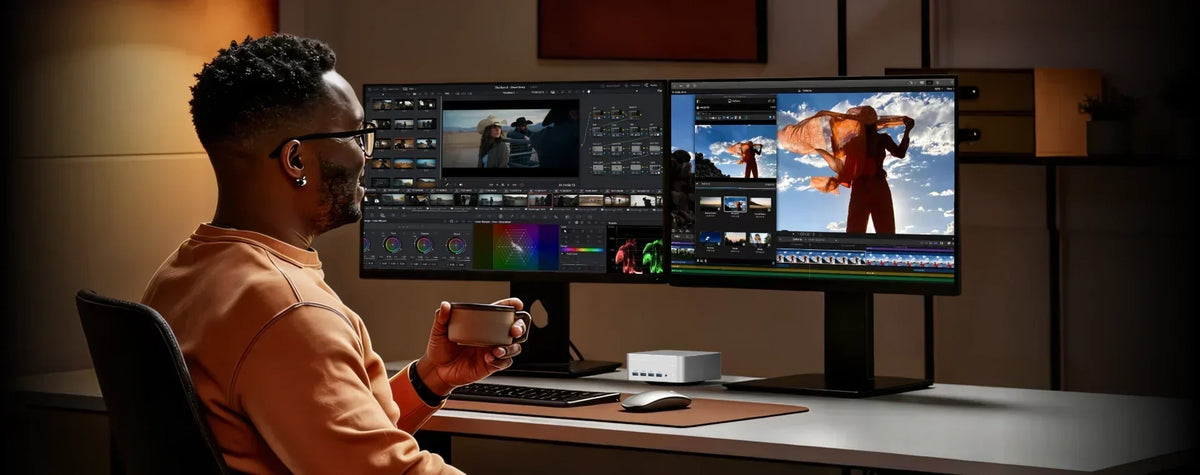
Mini PC – Complete Guide
1. What Is a Mini PC?
A Mini PC is a compact desktop computer that delivers reliable performance for everyday tasks. It is a space-saving alternative to traditional tower PCs and laptops, suitable for home, office, and study use.
2. Who Is It For?
-
Office workers
-
Students and educators
-
Remote professionals
-
Casual home users
-
Content creators
3. Is It Portable?
Yes. Mini PCs are lightweight and palm-sized, making them easy to carry between locations.
4. Is It Ready to Use Out of the Box?
Yes. Simply connect the power, display, keyboard, and mouse – then turn it on. No complex setup required.
5. Does It Support Multiple Displays?
Yes. Most Mini PCs support connections to multiple monitors and 4K output.
6. Does It Have Wi-Fi and Bluetooth?
Yes. Wireless connectivity is standard, allowing you to connect to the internet and peripherals without cables.
7. Can I Use Linux?
Yes. Mini PCs support Windows and most Linux distributions.
8. Can I Upgrade the Hardware?
Yes. Memory and storage can typically be upgraded for extended use.
9. Is It Quiet?
Yes. Mini PCs are designed to run quietly, making them ideal for offices, libraries, and bedrooms.
10. Is It Energy-Efficient?
Yes. Mini PCs consume significantly less power than traditional desktops, helping reduce electricity costs.
11. What Can I Do With a Mini PC?
-
Office work
-
Web browsing
-
Video streaming
-
Online learning
-
Creative projects
-
Entertainment
12. What About Quality and Support?
High-quality Mini PCs are built with durable materials and often come with extended warranties for long-term peace of mind.
13. Summary
A Mini PC offers a compact, quiet, and energy-efficient computing solution for daily use. Whether for work, study, or entertainment, it adapts to your lifestyle with simplicity and reliability.
Share
Related Articles

Subscribe to Newsletter
Get the latest news, product updates, and exclusive offers delivered straight to your inbox.

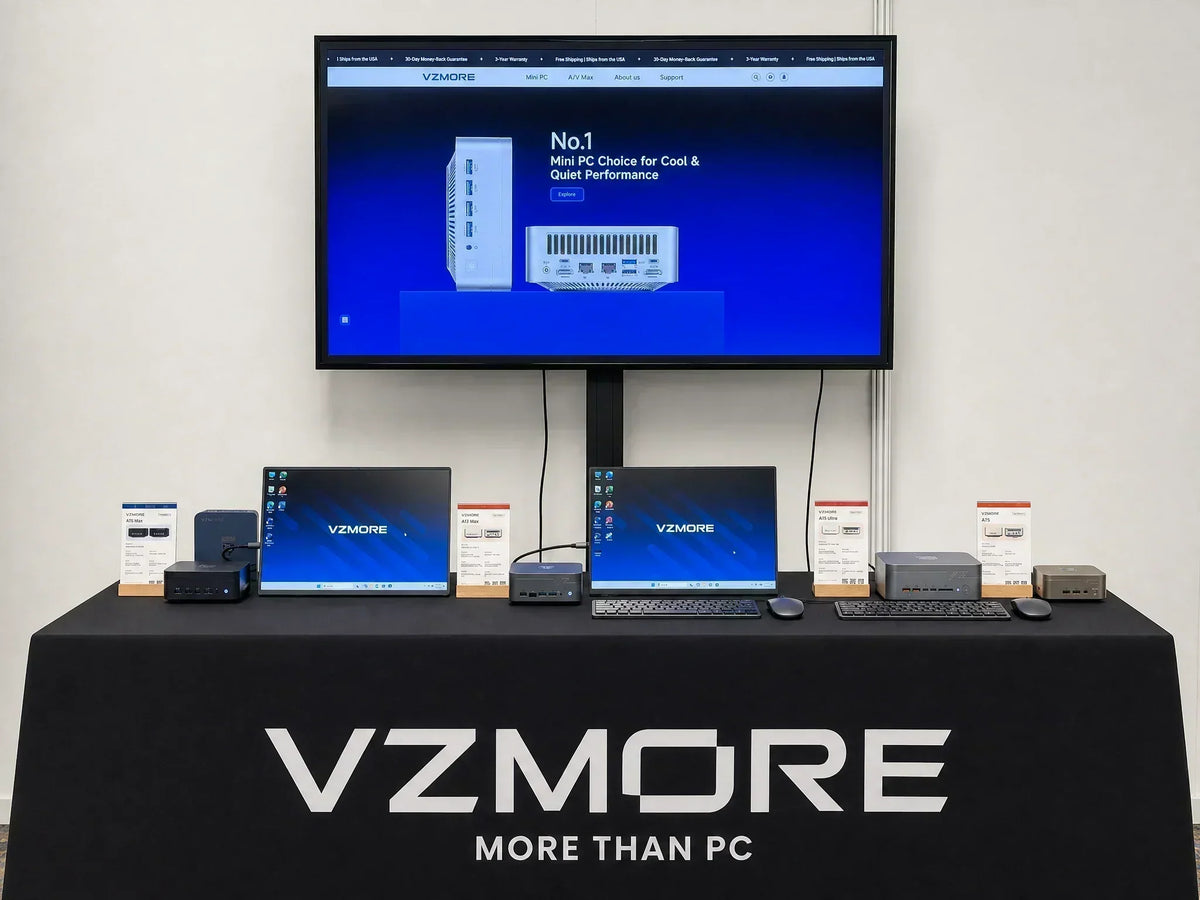
VZMORE is a leading manufacturer of AI Mini PCs. Our systems combine whisper-quiet VC cooling, high performance, and intelligent AI processing power—tailored for demanding applications in home offices, creative workflows, and edge computing. Enjoy free shipping on all orders.